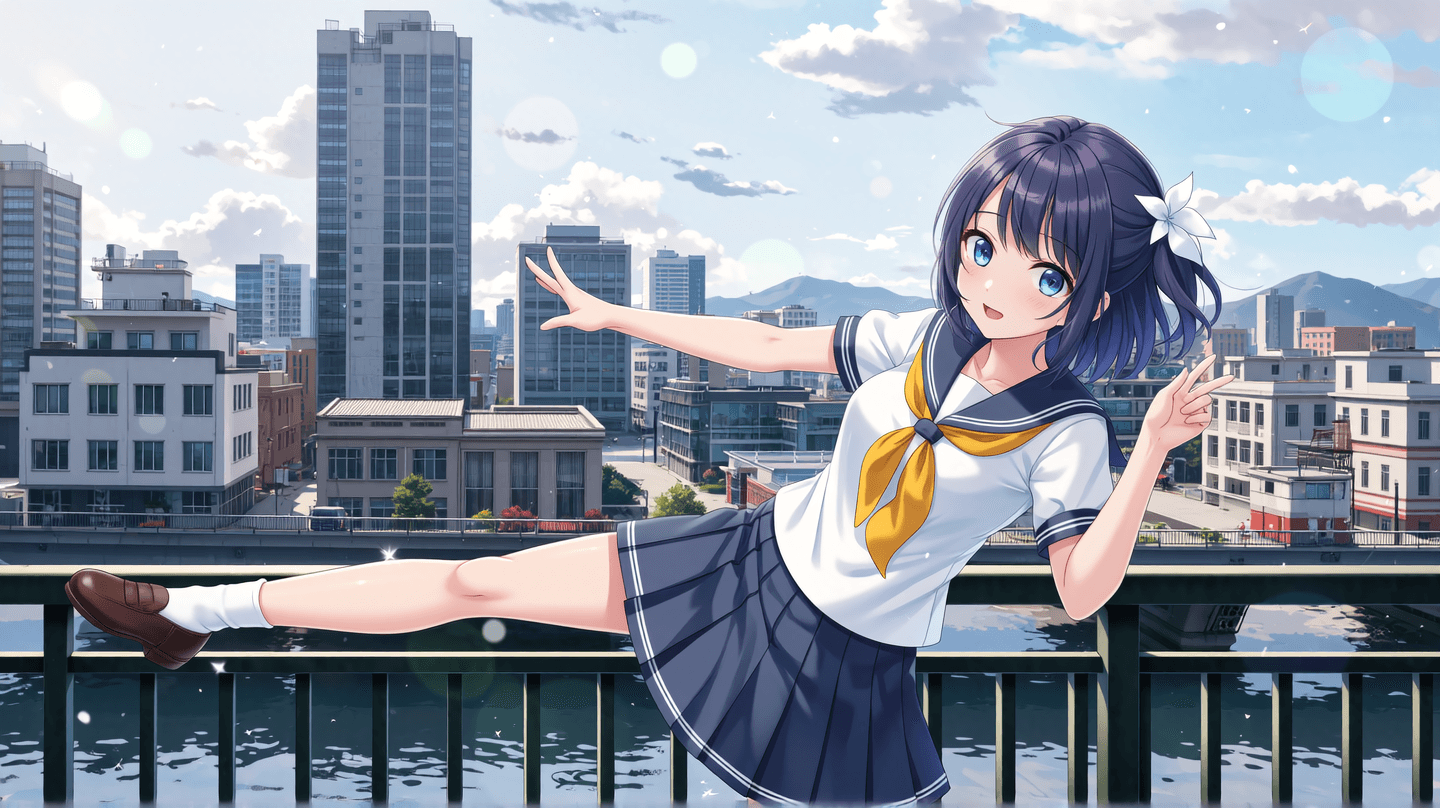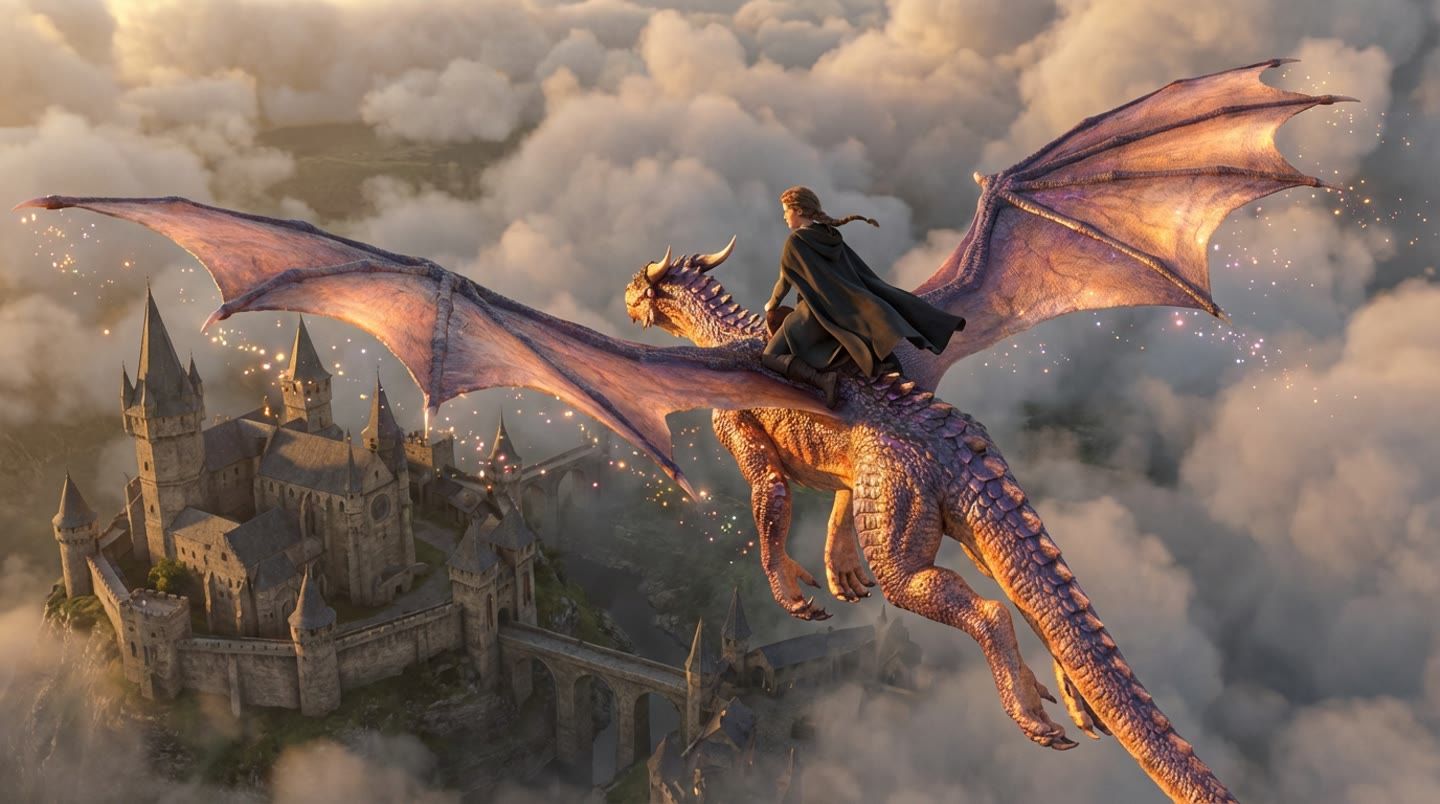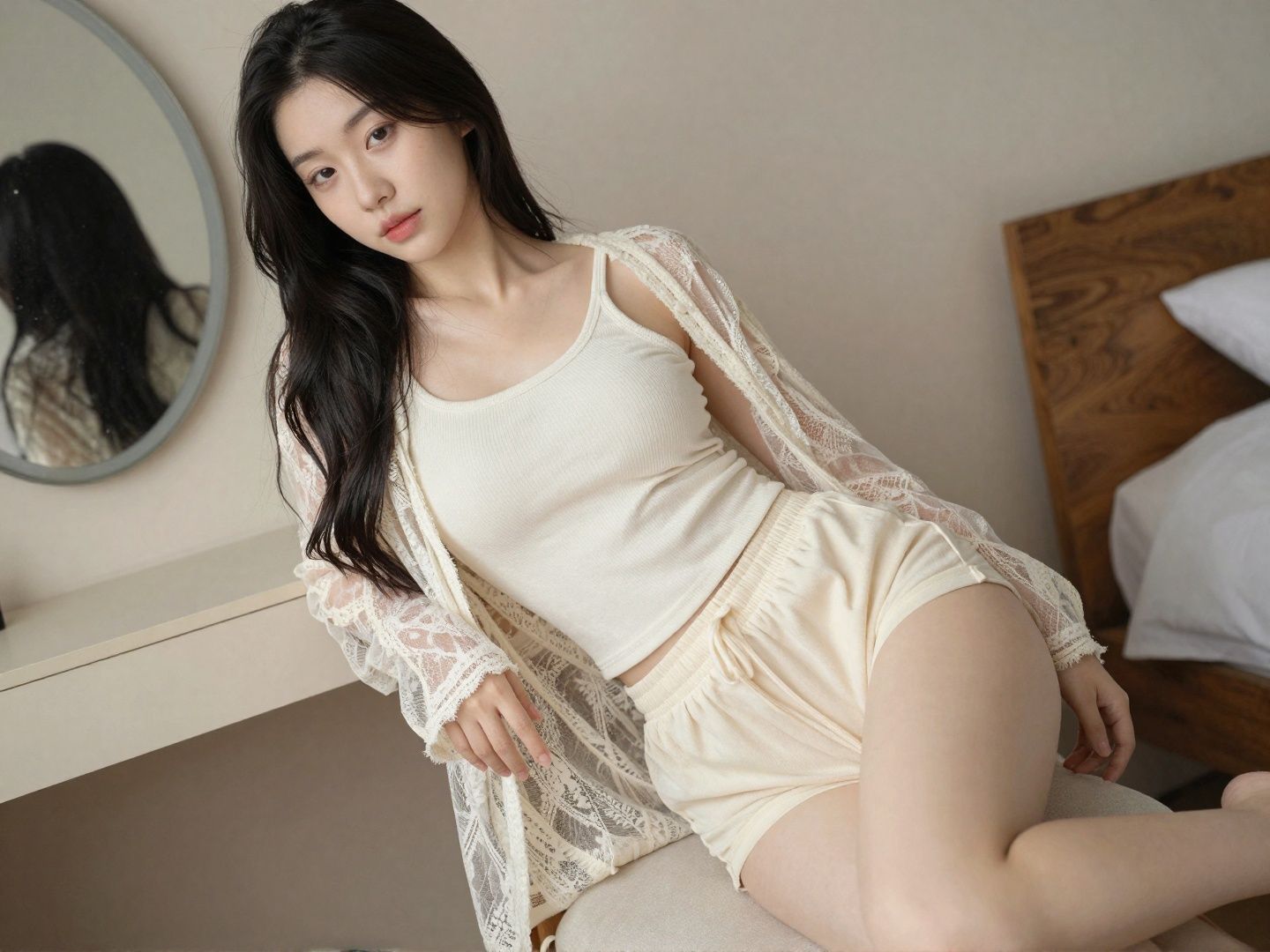
GPT Image 2.0 is now available on ImageGenerators.
From eCommerce product images and marketing visuals to social media graphics, UI mockups, and creative illustrations, GPT Image 2.0 helps you turn simple text prompts into high-quality visuals in minutes.
Start creating with GPT Image 2.0 on ImageGenerators today.
AI Image Generation Is Transforming Visual Content Creation
AI image generation has evolved far beyond simple text-to-image experiments. Today, it's becoming an essential tool for designers, marketers, eCommerce businesses, content creators, and product teams.
Tasks that once required photography, graphic design, and hours of editing can now begin with a single prompt. Instead of starting from a blank canvas, creators can quickly generate concepts, iterate on ideas, and refine visuals with AI.
To make this workflow more accessible, GPT Image 2.0 is now available on ImageGenerators, giving users a seamless way to generate, edit, and experiment with AI-generated images—all in one place.
What Is GPT Image 2.0?
GPT Image 2.0 is an AI image model designed for both image generation and image editing.
It can create high-quality visuals from natural language prompts while also supporting image editing tasks such as background replacement, object modification, style transformation, and text rendering.
Whether you're creating marketing assets, product visuals, UI concepts, or social media graphics, GPT Image 2.0 helps streamline the creative process and reduce production time.
What Can You Create with GPT Image 2.0?
Rather than focusing on technical specifications, the real value of GPT Image 2.0 lies in the problems it helps solve.
eCommerce Product Images
Create product hero images, listing graphics, promotional banners, and lifestyle visuals that showcase products in a professional way without organizing expensive photo shoots.
Marketing & Advertising
Generate posters, campaign visuals, landing page hero images, social media ads, and brand assets to support your marketing efforts.
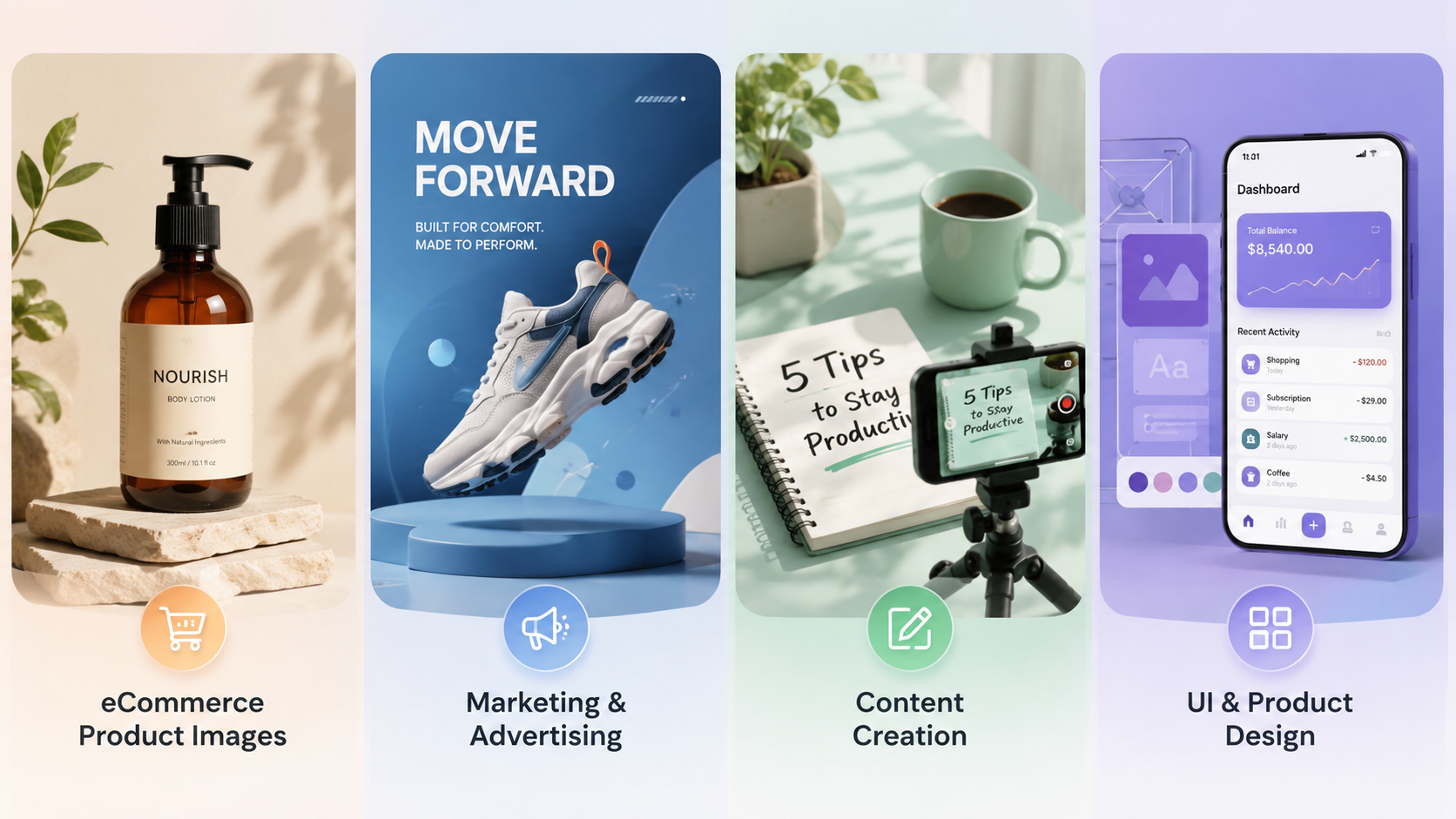
Content Creation
Produce blog illustrations, YouTube thumbnails, newsletter graphics, and social media posts faster while maintaining a consistent visual style.
UI & Product Design
Quickly visualize interface ideas, dashboard layouts, wireframes, and product concepts to improve collaboration and accelerate design discussions.
Four Reasons to Use GPT Image 2.0
Better Prompt Understanding
GPT Image 2.0 understands more detailed and complex prompts, making it easier to translate creative ideas into visuals with fewer iterations.
High-Quality Image Generation
Generate images with realistic lighting, refined textures, balanced composition, and rich details suitable for commercial design projects.
AI Image Editing
Beyond creating images from scratch, GPT Image 2.0 also supports editing existing visuals through background replacement, localized edits, style changes, and image refinement.
More Reliable Text Rendering
Creating readable text inside AI-generated images has traditionally been difficult. GPT Image 2.0 delivers more reliable text rendering for posters, product graphics, presentation visuals, and UI concepts.
How to Write Better Prompts
Well-structured prompts often produce better results than longer prompts.
A simple framework is:
Subject + Scene + Style + Lighting + Composition + Output Purpose
For example:
A luxury skincare serum bottle placed on a white marble surface, soft natural lighting, minimalist premium branding, editorial product photography, ultra-realistic, high detail, designed for an eCommerce product page.

Adding details about the scene, lighting, style, and intended use gives the model more context and usually leads to more polished results.
Ready to test your own prompt? Try GPT Image 2.0 on ImageGenerators and see how different prompts influence the final image.
Popular Use Cases
Use Case | Example Outputs |
eCommerce | Product images, listing graphics, promotional banners |
Marketing | Posters, advertising creatives, campaign visuals |
Content Creation | Blog images, YouTube thumbnails, social media graphics |
Product Design | UI concepts, dashboards, prototypes |
Gaming & Entertainment | Character concepts, environment art, storyboards |
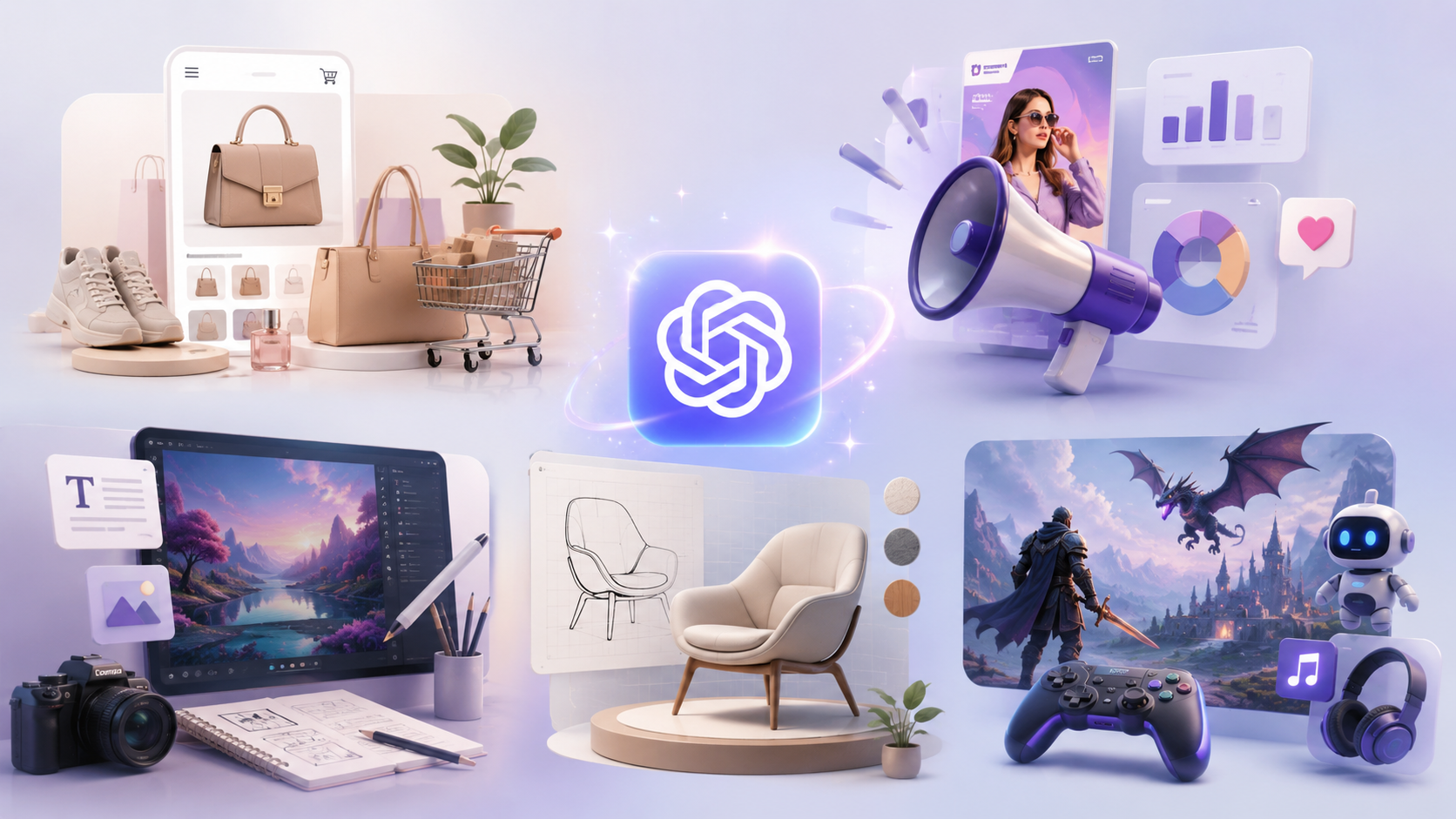
Whether you're creating commercial assets or personal projects, GPT Image 2.0 helps speed up visual production while maintaining high quality.
Why Use GPT Image 2.0 on ImageGenerators?
A powerful model is only part of an efficient creative workflow. The platform you use also matters.
With ImageGenerators, you can do more than simply generate images. You can:
· Create AI-generated images from text prompts
· Edit and refine generated images
· Test different prompts and iterate quickly
· Compare multiple AI image models
· Explore different creative styles in one workflow
Instead of switching between multiple tools, ImageGenerators helps keep your entire AI image creation process in one place, making experimentation and production more efficient.
Frequently Asked Questions
Does GPT Image 2.0 support image editing?
Yes. It supports common editing tasks including background replacement, localized edits, style transformation, and image refinement.
Do longer prompts always produce better images?
Not necessarily. Clear, well-structured prompts usually perform better than unnecessarily long descriptions. Focus on defining the subject, scene, style, lighting, and intended output.
Can I use GPT Image 2.0 for commercial projects?
Yes. GPT Image 2.0 is well suited for creating visuals used in marketing campaigns, eCommerce product listings, social media content, presentations, UI concepts, and other business-related projects. However, always review the applicable licensing terms and your organization's usage policies before publishing AI-generated content.
How can I improve the quality of AI-generated images?
The best results usually come from clear and specific prompts. Instead of adding unnecessary details, focus on describing the subject, scene, visual style, lighting, composition, and intended use. Iterating on your prompt and testing different variations can also significantly improve the final output.
Start Creating with GPT Image 2.0
The best way to learn AI image generation is by creating your first image.
GPT Image 2.0 is now available on ImageGenerators, making it easy to turn ideas into professional-quality visuals. Start with a simple prompt, experiment with different styles, refine your results, and gradually build a workflow that fits your creative needs.
Whether you're a designer, marketer, eCommerce seller, content creator, or simply exploring AI image generation for the first time, ImageGenerators provides an easy way to bring your ideas to life.
Start creating with GPT Image 2.0 on ImageGenerators today.
ImageGenerators Team